Slazzer

Video example guide

Planning a slazzer examples video that shows the edges

A useful background-removal video shows the source image, the resulting cutout, and the details viewers need to judge for themselves. Use this guide to plan that demonstration without implying that a still-image example proves continuous video processing.

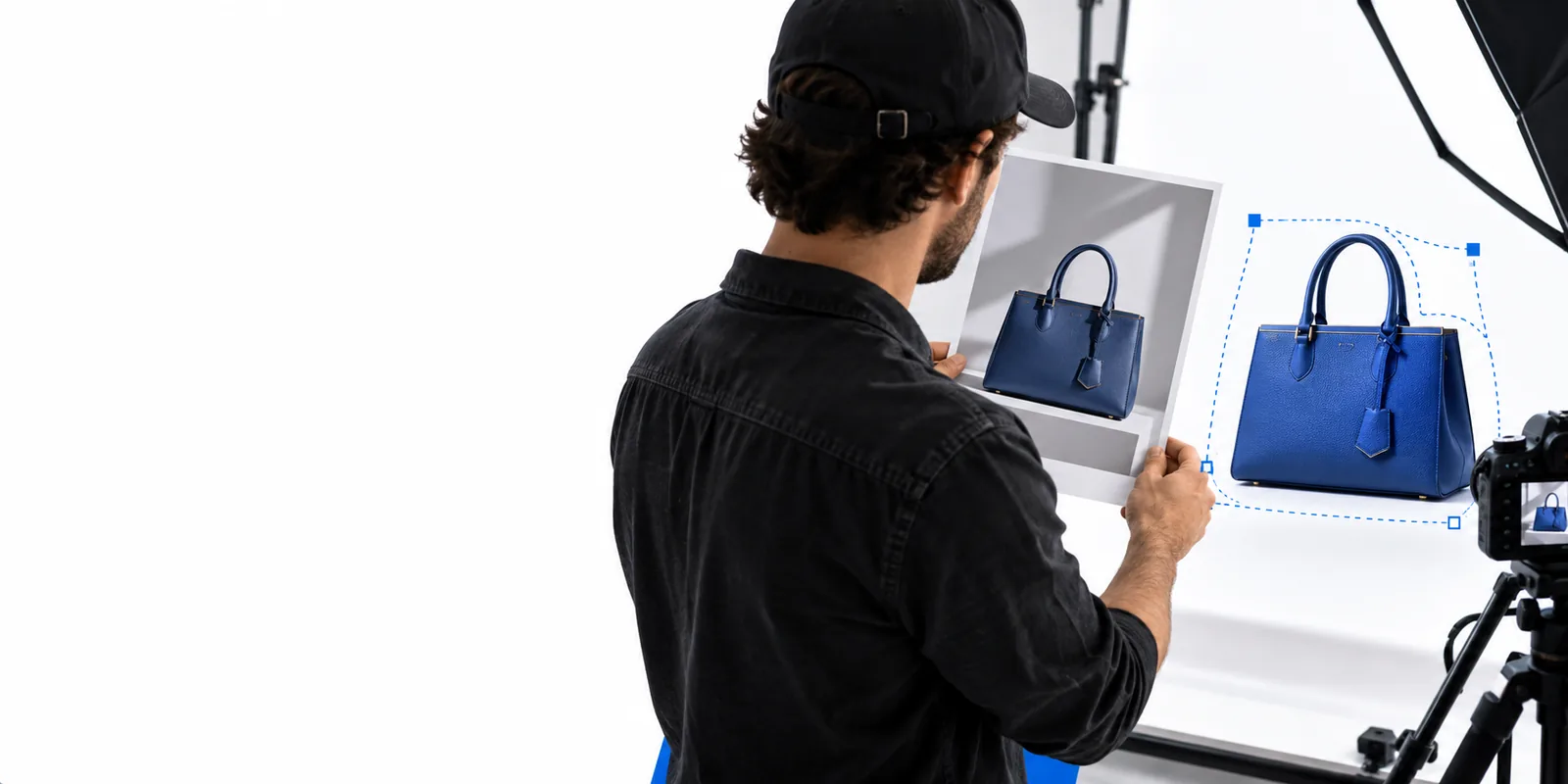
Slazzer site imagery illustrating an image-focused creative workflow

A video demonstration can answer different questions. Pick the route that matches what you want to examine before collecting footage.

Know what the demonstration cannot prove

A compelling reveal is not the same as evidence that every image or every frame will behave alike.

  • One frame is not a whole clip

    A cutout made from a single photograph cannot establish whether a moving subject keeps consistent edges across successive frames.

    WorkaroundIf continuous video matters, test a short clip in a tool that explicitly supports video and inspect several moments, not only its thumbnail.

  • A clean example can hide difficult edges

    Solid backgrounds and clear subject separation make an impressive reveal but tell little about flyaway hair, glass, blur, or similar colors.

    WorkaroundInclude at least one challenging source image and pause on its boundary at a readable scale.

  • Footage cannot establish access terms

    A screen recording does not verify current usage limits, export options, account requirements, or whether a particular feature remains available.

    WorkaroundCheck the destination's current interface and terms before describing access or making an output promise.

Build a demonstration viewers can inspect

Plan the video as a sequence of evidence, not a rapid montage of polished results.

  1. 1

    Show the original

    Begin with the full source image for several seconds. Keep the subject large enough to see its outline, and identify areas likely to be difficult, such as hair, transparent objects, or shadow.

  2. 2

    Show the result without concealing it

    Present the cutout against a contrasting background. Hold on the same crop used for the original, then zoom in so viewers can inspect the boundary rather than relying on a quick transition.

  3. 3

    Put both views together

    End with a side-by-side comparison and a short note describing what was actually processed. If the demonstration uses separate still images, call it a still-image demonstration rather than a video-background-removal test.

Still-image demo versus video test

These two formats answer different questions. Decide which one your audience needs before recording.

1

Source

Still-image cutout demo

One photograph or selected frame

Continuous video test

A clip containing successive frames

2

Main question

Still-image cutout demo

Does this subject separate cleanly?

Continuous video test

Do edges stay consistent during movement?

3

Useful reveal

Still-image cutout demo

Original beside the resulting cutout

Continuous video test

Playback through motion and scene changes

4

Hair inspection

Still-image cutout demo

Zoom into fine strands in one image

Continuous video test

Watch fine strands across multiple moments

5

Possible flaw

Still-image cutout demo

Missing detail on a single boundary

Continuous video test

Flicker or changing boundaries between frames

6

Claim it supports

Still-image cutout demo

A result for the shown source image

Continuous video test

Only the behavior observed in the tested clip

Match the example to your audience

The strongest example uses a subject your viewers recognize and an outcome they can evaluate.

Product photographer

Record a product on its original surface, then show a still cutout against a contrasting color. Keep reflections and any transparent packaging visible instead of cropping away the hardest details.

Viewers can judge whether the object is usable in a new composition. For additional image-based ideas, see slazzer examples free.

slazzer examples free

Portrait creator

Use a portrait with visible hair and shoulders. Hold the result long enough to inspect strands and clothing edges, then disclose any manual cleanup included in the presentation.

The clip becomes an honest illustration of an editing workflow. Explore slazzer photo editor for the wider distinction between a cutout and further edits.

slazzer photo editor

Marketing teammate

Show the original campaign image before placing its cutout on a draft layout. Keep the placement separate from the removal result so viewers know which change each step made.

The team can assess both the subject edge and the proposed composition. See slazzer background remover for a closer look at the removal task.

slazzer background remover

Start with an image worth testing

Make your next example easier to judge

Choose a source with visible edges, keep the original for comparison, and review the result at full size before turning it into a presentation video. The linked destination is an image-tool starting point; check its current capabilities if you need continuous video processing.

Explore image tools
  • Keep the original image
  • Inspect difficult boundaries
  • Label stills and clips accurately

Questions about video examples

Show the original image, the resulting image, and a close view of the subject boundary. If you recorded a screen while working with a photograph, say that plainly: the recording demonstrates a still-image workflow, not necessarily video background removal.

No. A recorded reveal may show only one photograph or one selected frame. Testing a moving clip requires checking the output through time, especially where hair, hands, or other fine edges move.

Start with a clear product or portrait, then include a tougher example with hair, soft edges, reflections, or a busy background. Showing both makes it easier to understand where a result looks convincing and where it may need attention.

Look for an uninterrupted view of the source and result, and for a description of any cleanup or compositing steps. Without that context, treat a polished final image as an illustration rather than proof of a one-step result.

Edit an image
Edit an image