Online seller
A product photo has a busy tabletop behind a small object.
Compare the object’s outline and shadow against a simple setting; the slazzer remove bg guide focuses on judging subject separation.
slazzer remove bgImage examples
An appealing sample is a starting point, not a guarantee for your photo. Use these Slazzer example ideas to decide what to test, which edges to inspect, and whether the available access suits your project.
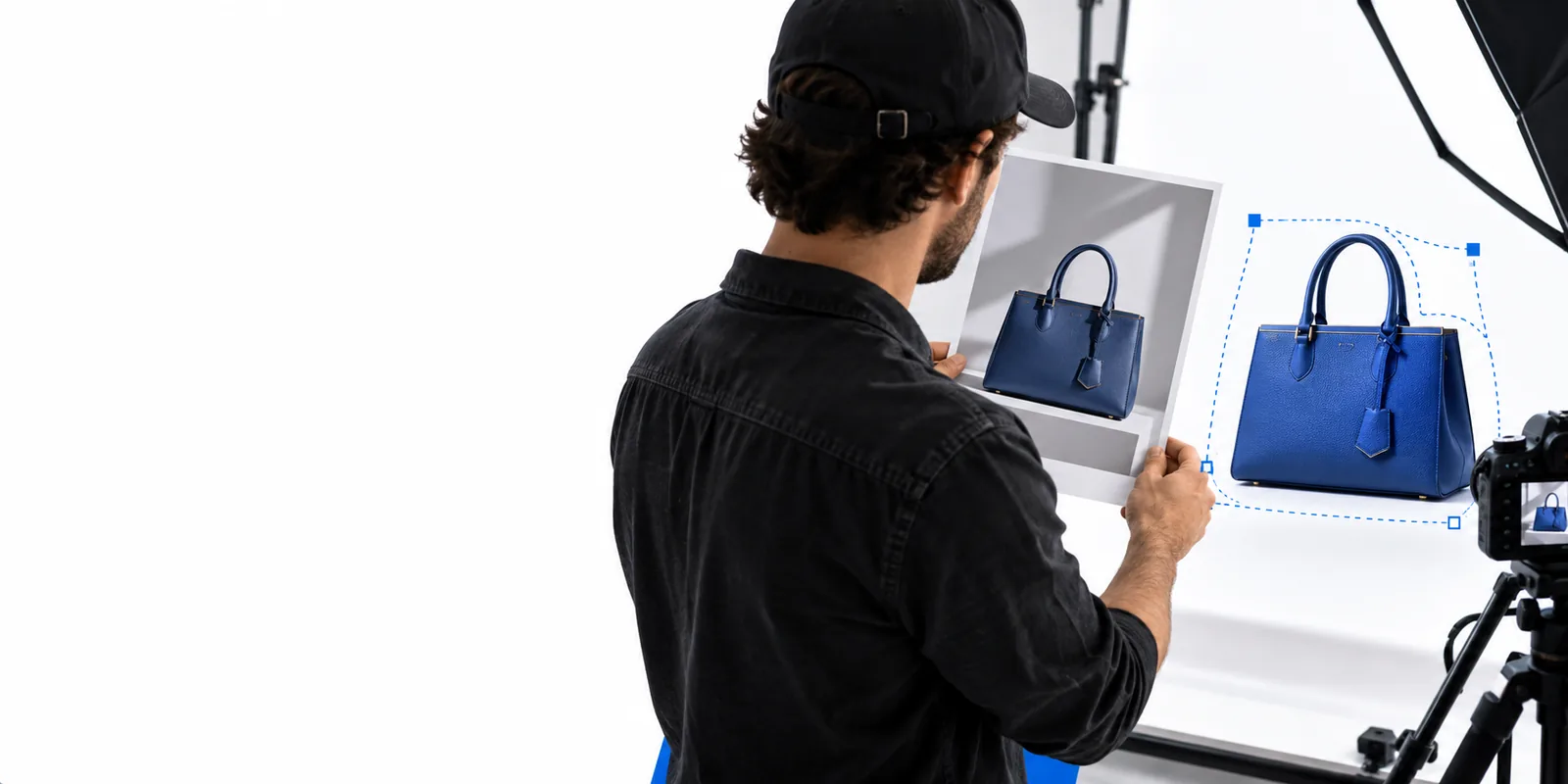
A useful sample tests a specific need: access, subject separation, or the look of a new scene. These related guides help narrow that choice before you work on your own image.
Slazzer examples can suggest a direction, but a polished preview cannot establish how a different source photo will turn out. Keep these limits in mind when judging what you see.
An image labelled as an example does not tell you which actions or downloads are available without payment. Access terms may also differ between previewing and using an output.
WorkaroundCheck the current terms at the destination before planning a deliverable around a free option.
Dark hair against a dark wall, transparent glass, and motion blur pose different problems from a sharply lit product on a plain surface.
WorkaroundTest a photo with edges and lighting similar to the images you actually need.
A finished scene does not show whether it came from a cutout, a generated replacement, or additional manual edits.
WorkaroundDecide whether you need an isolated subject or a newly composed image before comparing results.
Instead of collecting attractive thumbnails, run a repeatable check against your own goal. Three deliberately different sources will tell you more than three near-identical samples.
Choose a clearly outlined object against a contrasting background. Write down whether your goal is a transparent-looking cutout, a white product setting, or an entirely new scene.
Try hair, fur, glass, or a pale object against a pale wall. Inspect the outline at normal viewing size and close up, especially where the subject blends into the original background.
Place the result against the color or layout you intend to use. Look for halos, missing details, inconsistent shadows, and a crop that leaves enough room for your design.
A Slazzer cutout and a newly styled image answer different questions. Use this comparison to choose the outcome you want to evaluate, without assuming that one preview demonstrates the other.
Subject cutout
New studio-style scene
Subject cutout
Separate the subject from its surroundings
New studio-style scene
Present the subject in a different setting
Subject cutout
A photo with a visible subject boundary
New studio-style scene
A clear reference for subject, lighting, and composition
Subject cutout
Hair, fur, glass, and narrow gaps
New studio-style scene
Subject consistency and believable light
Subject cutout
Was the original scene removed cleanly?
New studio-style scene
Does the new scene suit the intended use?
Subject cutout
A halo where old background color remains
New studio-style scene
A shadow that conflicts with the new setting
Subject cutout
Original photo beside the isolated subject
New studio-style scene
Reference image beside the finished composition
The most informative Slazzer example is the one that exposes a problem you might actually face. These scenarios make the choice concrete before you spend time refining a result.
A product photo has a busy tabletop behind a small object.
Compare the object’s outline and shadow against a simple setting; the slazzer remove bg guide focuses on judging subject separation.
slazzer remove bgA headshot needs room for text beside loose hair and soft clothing edges.
Check both edge detail and composition; the slazzer photo editor guide helps distinguish an isolated subject from broader image changes.
slazzer photo editorA still image may become a title card or the opening frame of a clip.
Evaluate whether the still leaves space for motion graphics; slazzer examples video covers the separate question of video-related examples.
slazzer examples videoUse your own subject and intended setting to make the comparison meaningful. Slazzer sample images can guide what to inspect, but confirm the available workflow and terms at the destination before depending on an output.
Create my imageAn example shown on a public page may be viewable without starting a project, but viewing it does not establish what you can create or download for free. Check the current access terms where you intend to make your image.
They can show the kind of result to look for, not predict the result for a different source photo. Lighting, contrast, fine edges, and the background behind your subject can all affect the comparison.
Choose one with a subject similar to yours, then compare the original with the result. If your photo contains hair, fur, glass, or blurred edges, a simple product shot is not a sufficient test.
No. One tests whether the original surroundings have been separated cleanly; the other also asks whether the replacement scene, lighting, and shadows look coherent.
Do not assume a displayed sample is licensed for reuse. Check its source and usage terms, or create a result from an image you have permission to use.